Product design and platform
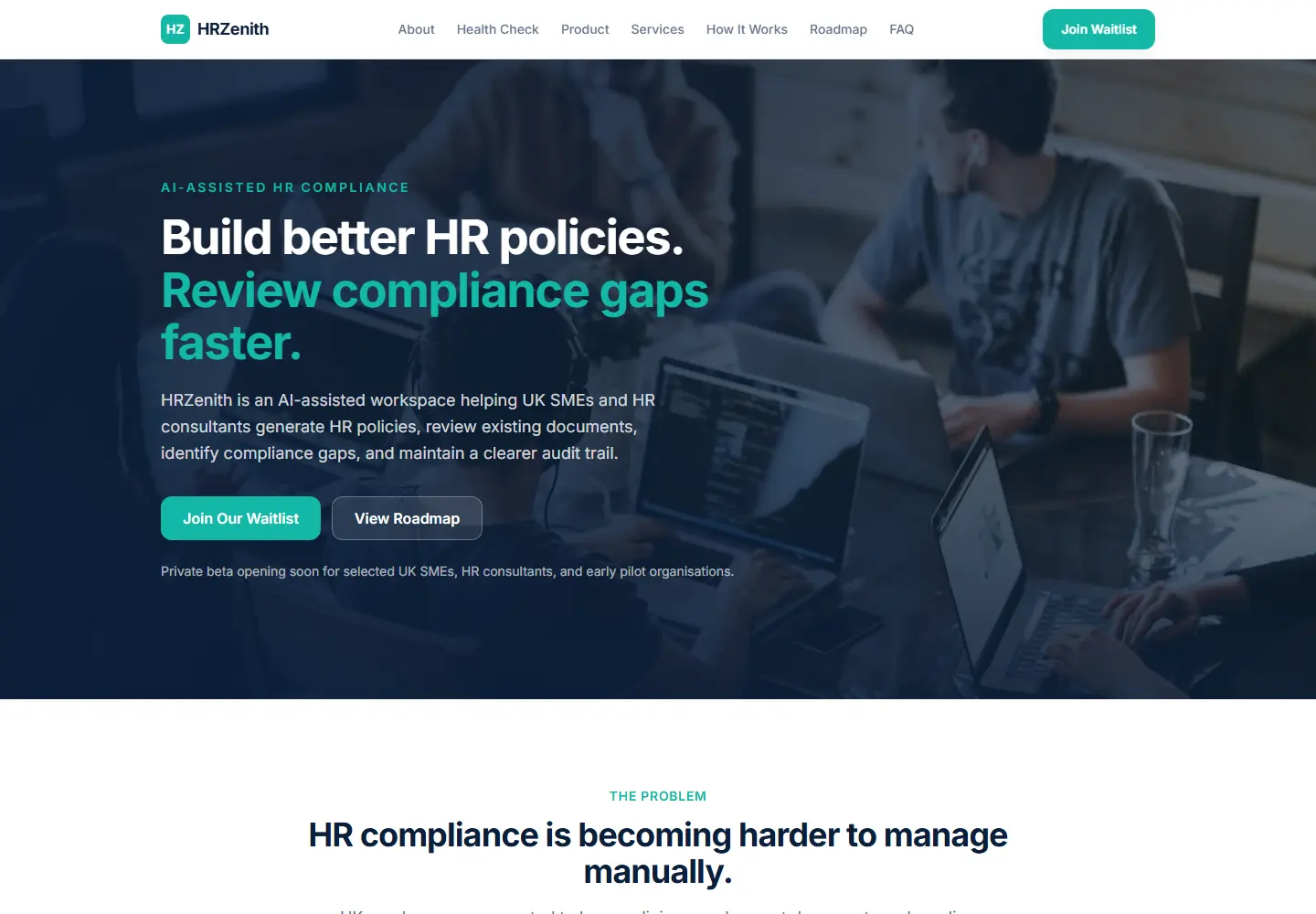
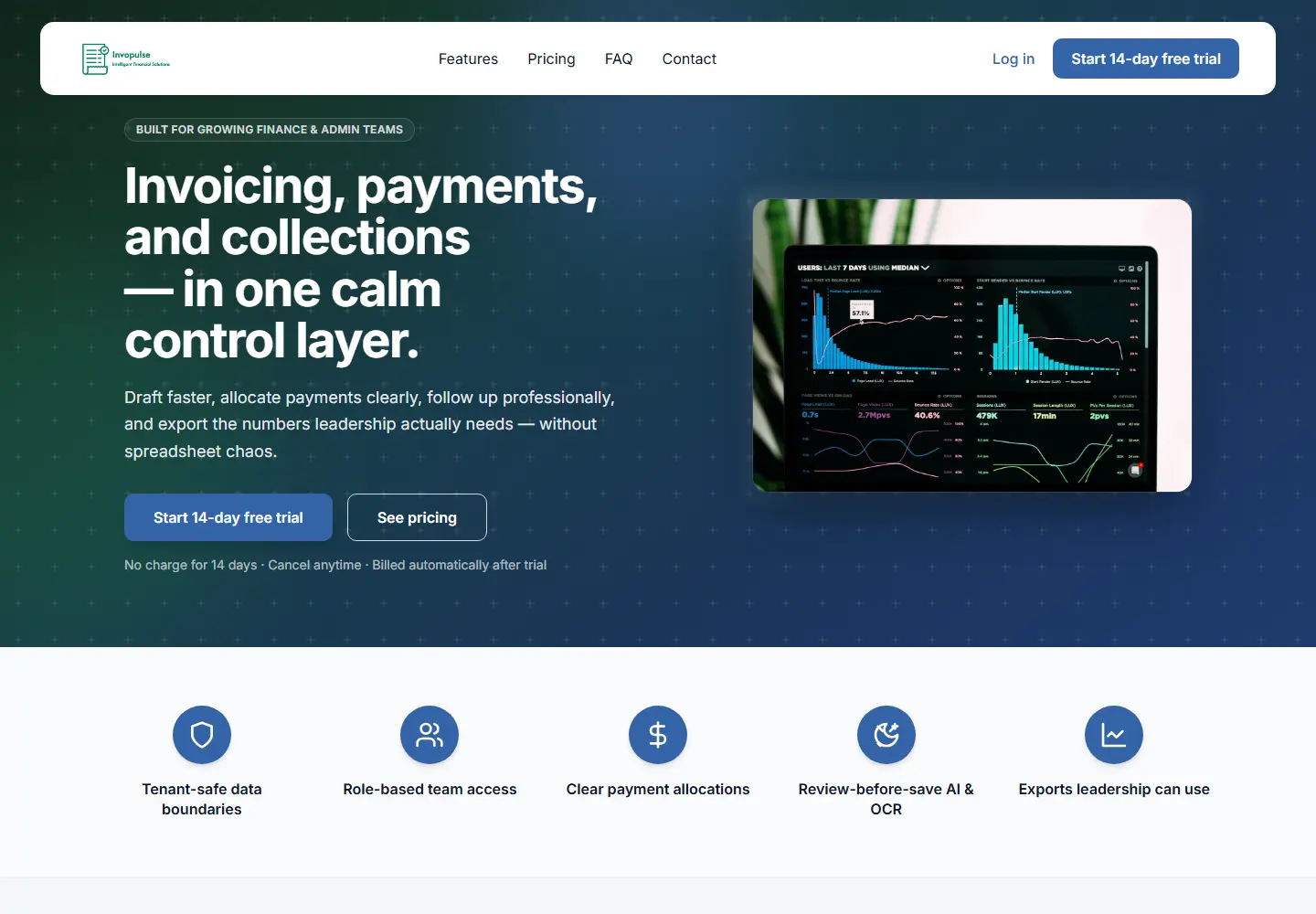
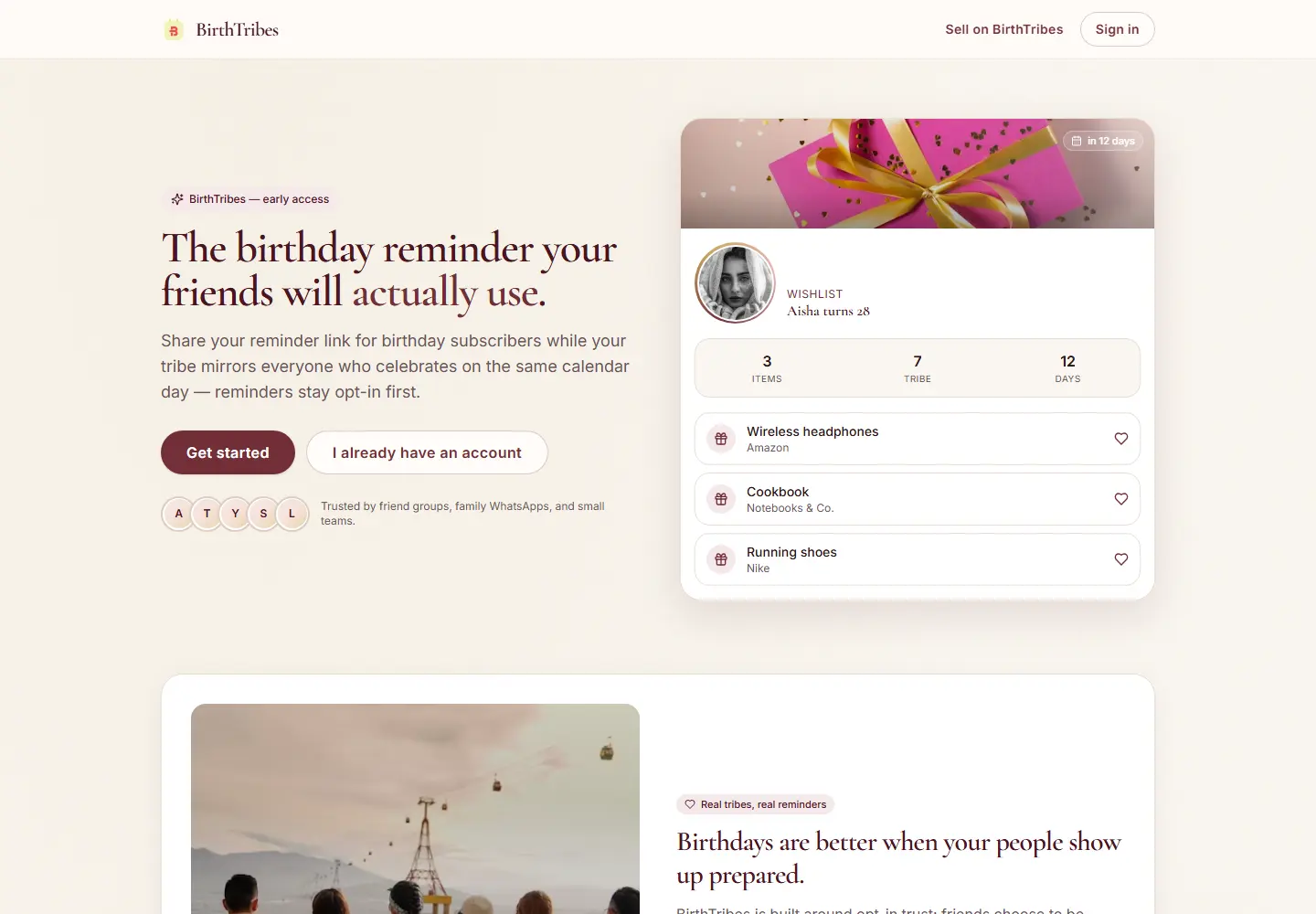
CheckMyRef
A platform for storing, managing and reusing employment references, with a brand built around clarity and trust.
Read the case studyVisit product (checkmyref.com, opens in a new tab)
Agentic AI solutions
A chatbot answers. An agent is asked to act: look up a record, draft a reply, file a document, or move a job to the next queue. Those are different products.
The risk is an agent with vague authority. It can reach systems it should not touch, or it completes a step that needed a person because nobody drew the line.
Phigz treats an agent as a workflow with a job description. Tools, allowed actions and the handoff back to a human are part of the design, not an afterthought.
One workflow, the inputs it may see, the outcome it should produce, and the cases where it must pause.
Connections to the APIs, documents and internal systems the task actually needs. Unused tools stay out.
Approval before a write to a customer, a payment, or a system of record. The agent prepares. A person commits.
A record of what the agent read, which tool it called, and what a person changed before the outcome was accepted.
The agent gathers the ticket, the account and a suggested reply. A person sends it.
Routing requests, chasing missing information, or assembling a brief from several systems before a manager acts.
Reading a file, extracting the fields you care about, and placing a draft into the process that already reviews documents.
Searching approved sources and returning a sourced summary, rather than browsing the open web without a boundary.
01
We map the current steps, including the ones a person must keep.
02
Each tool gets a purpose. Writes, sends and deletions are separated from reads.
03
The agent plans within that boundary, calls tools, and stops at the approval you specified.
04
We run it on genuine examples, adjust the stops, and only then leave it with the team.
The workflow is explicit code: steps, retries and stop conditions. The model does not invent new permissions at runtime.
Agents connect through APIs you control. CRM, ERP and internal services are integrations, not a promise that every vendor platform is already supported.
Where an action changes a customer or a record, the interface presents the proposed action for approval.
Published case studies are product builds. Where a page is about AI, these projects show how Phigz ships a complete product. They are not labelled as AI systems.
Product design and platform
A platform for storing, managing and reusing employment references, with a brand built around clarity and trust.
Booking product
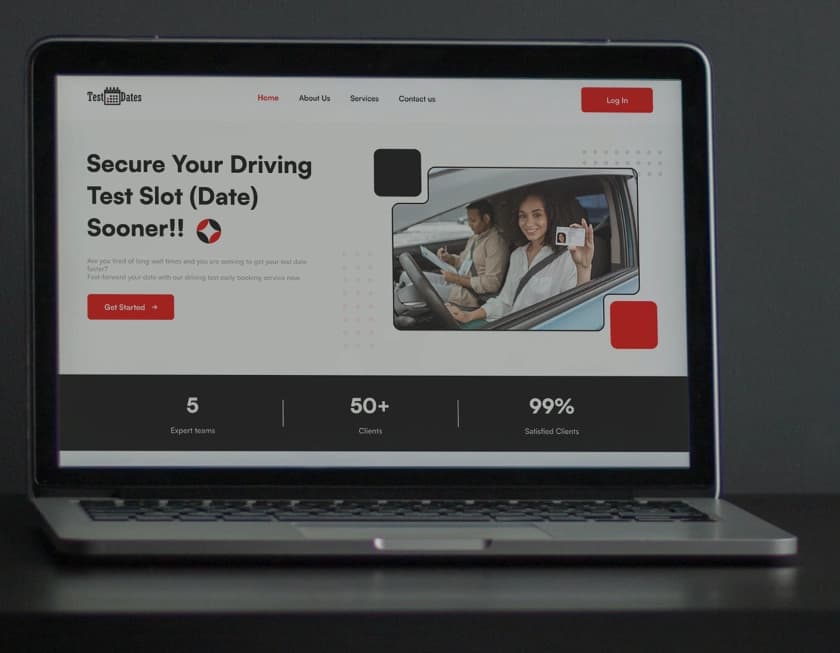
A booking product for learner drivers looking for earlier DVSA test dates, with availability monitoring and a mobile-first interface.

Training platform
A training and career-support platform, designed around course discovery and a visual identity in professional blue.
No. A chatbot converses. An agent is built to carry a task through tools. If you only need answers in a window, a chatbot may be enough. We will say so.
Only for steps we have agreed are safe to run unattended, usually reads and drafts. Actions that commit, send or pay wait for a person.
Yes, when that software exposes an API or a stable export we can integrate. We scope the connection before building it.
Next step
Tell us the product, the current state, and the outcome you need. We will reply with a straight view of whether this is the right shape of work.